You can create a professional website for your domain using our free Site Builder software which is part of your hosting plan at no additional cost. The process is simple and you can have a professional website up in minutes in just 3 simple steps. Follow the steps below.
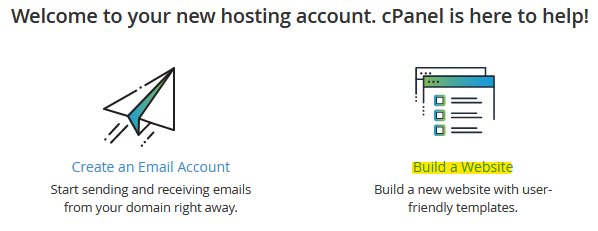
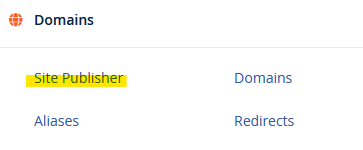
- Login to your Cpanel account and click on the Build a Website link or locate the Site Publisher link under the Domains section.
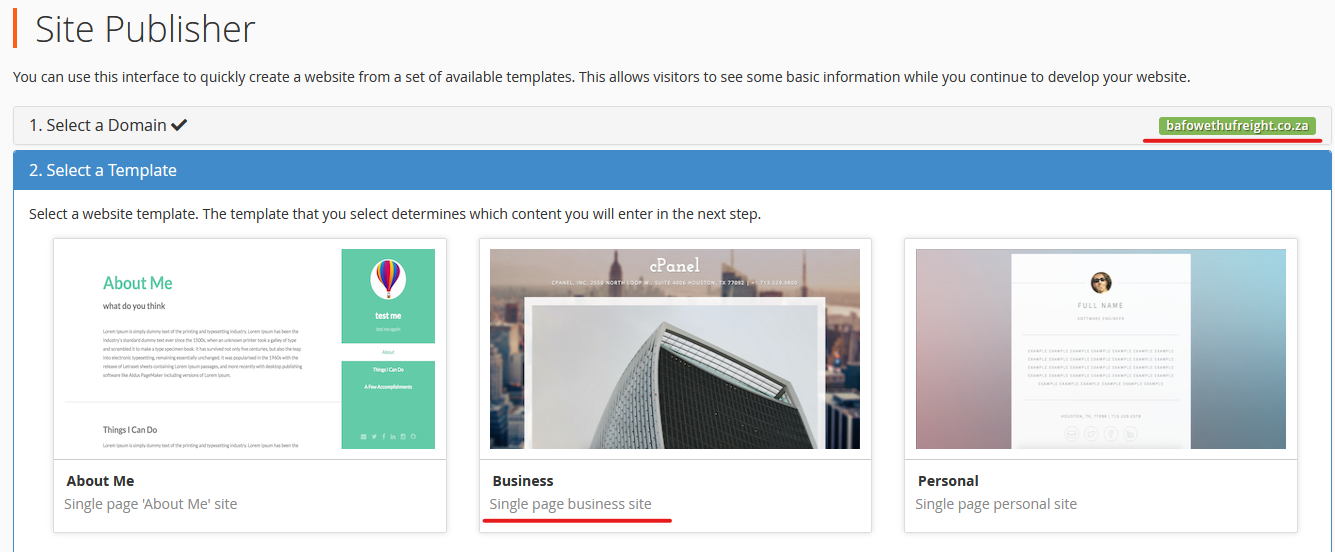
- This will bring you to Step 2 to choose a template (this is the look of the site). There are currently 12 templates to choose from with different information to display on your site. Also ensure your domain name is correct and green at the top right. The Business template has been selected, click on it to proceed to the next step.
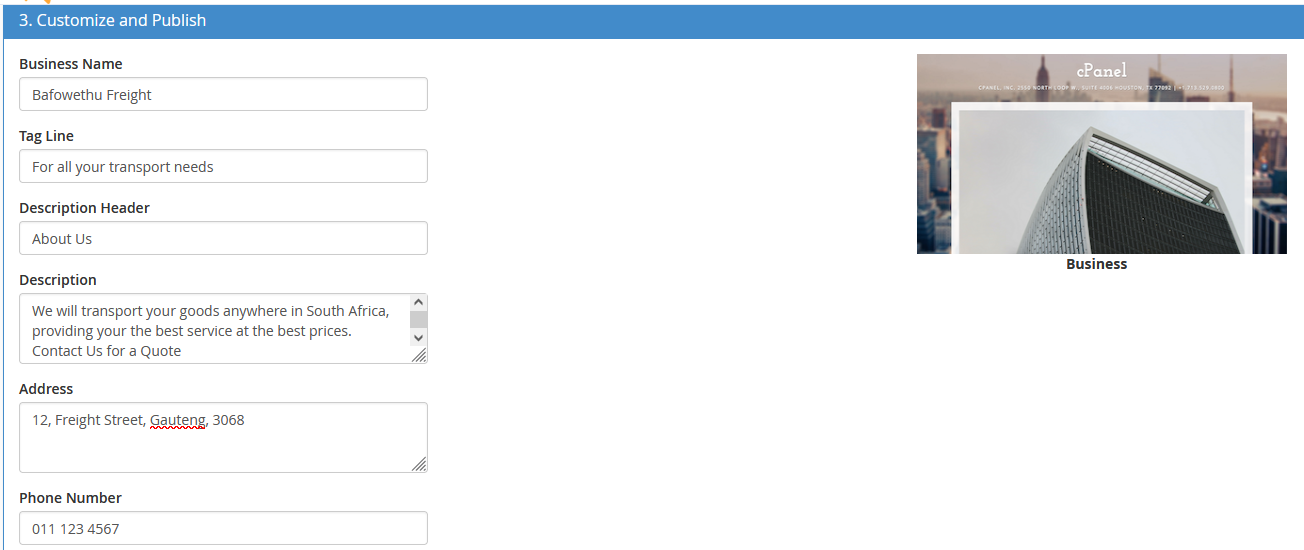
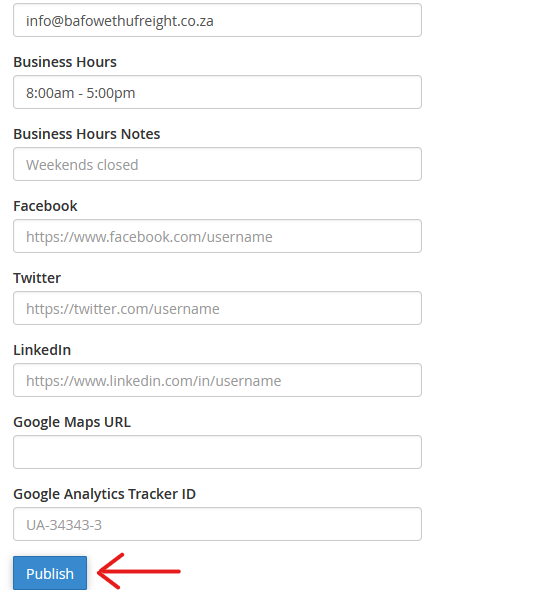
- Customize and Publish is the final step. Enter all your company or information that needs to be displayed on the site. Note, different templates have different options and fields of information you can enter. Once you enter all the information, click the Publish button to make the site go live and visible on your domain.
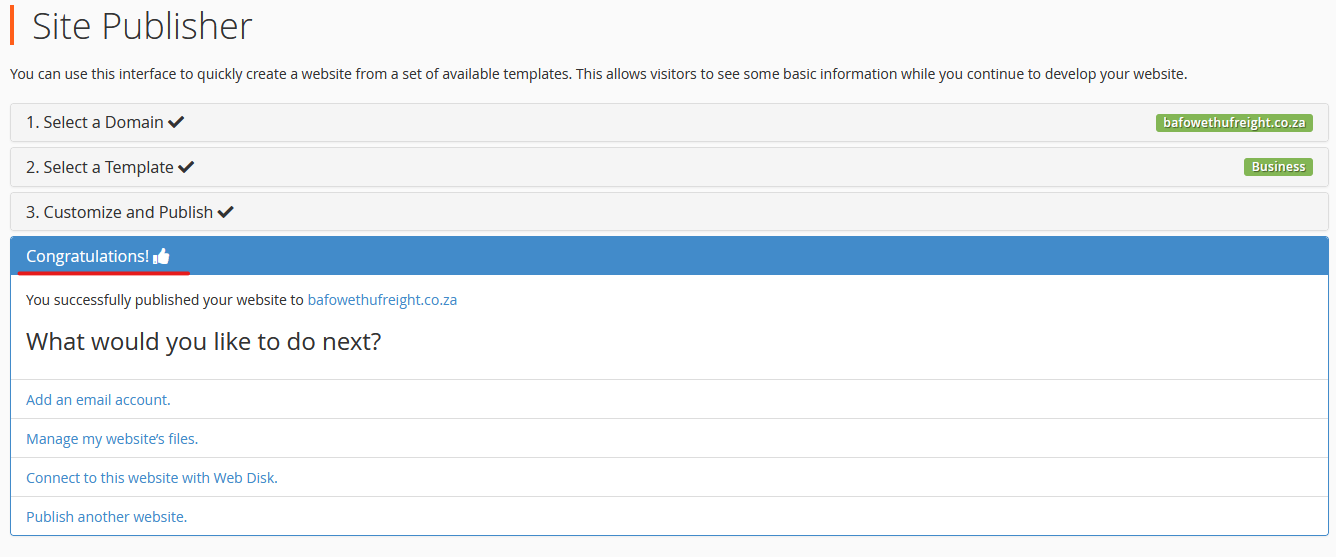
- You will see the congratulations message. Your site is now live.
- This is how the site will look when complete.